
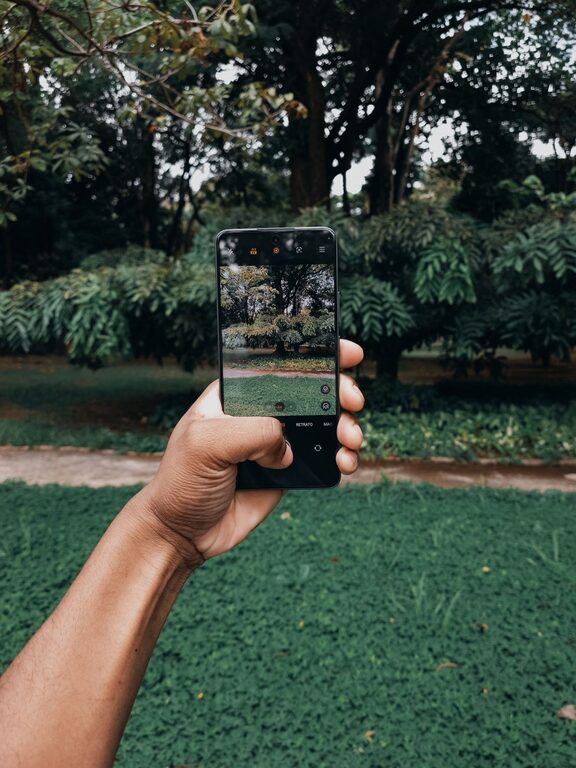
Taking great photos with your phone is easier than you might think. With just a few simple adjustments and techniques, you can capture stunning images that stand out. Whether you’re new to photography or just want to make the most of your phone’s camera, this guide offers practical tips to improve your phone photos. Let’s dive in!
1. Clean Your Lens
It sounds obvious, but many people overlook this. Your phone’s camera lens can easily collect dust, fingerprints, or smudges. These can cause blurry or hazy photos.
– Use a soft microfiber cloth to gently wipe the lens.
– Avoid using tissues or your shirt, as they can scratch the glass.
Regularly cleaning your lens is a quick way to ensure the sharpest photos possible.
2. Use Natural Light Whenever Possible
Lighting is one of the most important factors in photography. Natural light usually produces the best results.
– Shoot during the “golden hour,” shortly after sunrise or before sunset, for soft, warm light.
– Avoid harsh midday sun, which can create strong shadows and highlights.
– If indoors, position your subject near a window to get bright, even lighting.
Good lighting helps your photos look vibrant and clear without the need for heavy editing.
3. Focus on Composition
Composition refers to how the elements in your photo are arranged. A well-composed image draws the viewer’s eye and tells a story.
Rule of Thirds
– Imagine your screen divided into a 3×3 grid.
– Place important elements along the grid lines or at their intersections.
– Many phone cameras have a grid option in settings — turn it on to help frame your shots.
Leading Lines
– Use natural lines like roads, fences, or shadows to lead the viewer’s eye into the photo.
– This adds depth and interest.
Avoid Clutter
– Simplify your photo by removing distracting objects or changing your angle.
– A clean background helps the subject stand out.
4. Steady Your Shot
Shaky hands can result in blurry photos. Here are some tips to keep your phone steady:
– Hold your phone with both hands.
– Tuck your elbows close to your body for support.
– Lean on a stable surface if possible.
– Use a phone tripod or a makeshift stand for even steadier shots.
Keeping your phone steady makes your images sharper and more professional-looking.
5. Use Exposure and Focus Controls
Most phone cameras allow you to control focus and exposure manually:
– Tap the screen where you want the camera to focus.
– After tapping, you may see a sun icon or slider to adjust brightness.
– Slide up or down to increase or decrease the exposure until your photo looks balanced.
This helps you avoid overexposed (too bright) or underexposed (too dark) photos.
6. Experiment with Angles and Perspectives
Don’t just shoot from eye level. Changing your angle can make a big difference.
– Try shooting from low down to add drama or make subjects appear larger.
– Shoot from above for flat lays or creative compositions.
– Move around your subject to find the most interesting viewpoint.
Variety keeps your photos engaging and unique.
7. Avoid Zooming In Digitally
Most phone cameras use digital zoom, which crops the image and reduces quality.
– Instead of zooming, get closer to your subject.
– If you can’t get closer, consider cropping the photo later using editing apps.
This preserves detail and sharpness in your photos.
8. Use the HDR Mode When Needed
HDR stands for High Dynamic Range. It helps balance bright and dark areas in a photo.
– Turn on HDR in scenes with a lot of contrast, like landscapes with bright skies and dark foregrounds.
– Your phone will take multiple shots at different exposures and blend them together.
HDR can improve your shots but try both with and without it to see what works best.
9. Edit Your Photos
Editing can enhance your photos without making them look fake.
– Use free apps like Snapseed or Lightroom Mobile.
– Adjust basic settings: brightness, contrast, saturation, and sharpness.
– Crop or straighten your image if needed.
– Avoid over-editing — keep the photo natural.
Editing helps polish your photos and correct small issues.
10. Practice Regularly
Like any skill, photography improves with practice.
– Take photos often to experiment with different settings and compositions.
– Review your photos to see what worked and what could improve.
– Follow online tutorials or photography communities for inspiration and feedback.
The more you practice, the better your photos will become.
—
Taking better phone photos doesn’t require expensive gear or professional training. By paying attention to light, composition, and technique, you can capture beautiful images using the device you carry every day. Start experimenting with these tips today and watch your phone photography skills grow!